
Pony Alpha: The FREE AI Model That Crushes Opus 4.5
A new frontier-level AI model just dropped on OpenRouter — and it's completely FREE. Meet Pony Alpha: a reasoning model with a 200K context window, 131K max output, and benchmark performance that crushes Claude Opus 4.5.
⚡ Quick Summary
200K context • 131K output • 18 tokens/sec • FREE on OpenRouter • Reasoning effort levels • High tool calling accuracy for agentic coding
Pony Alpha Specs
Why Pony Alpha is Special
Pony Alpha isn't just another model — it's a reasoning model that shows its step-by-step thinking process before giving you an answer. This is incredibly useful for complex coding problems, architecture decisions, and debugging.
Reasoning Effort Levels
You can control how deeply the model thinks:
- Low (20%) — Quick responses for simple tasks
- Medium (50%) — Balanced thinking for most work
- High (80%) — Deep reasoning for complex problems
Optimized for Agentic Coding
Pony Alpha has high tool calling accuracy — meaning when you use it with coding agents like OpenClaw, it reliably calls the right tools at the right time. This is critical for agentic workflows where a single bad tool call can break everything.
How to Add Pony Alpha to OpenClaw
Here's the complete step-by-step guide to get Pony Alpha running on your OpenClaw installation.
Step 1: Backup Your Config
cp -r ~/.openclaw ~/.openclaw.backupStep 2: Update OpenClaw
Make sure you're on version 2026.2.9 or later:
npm install -g openclaw@latestVerify your version:
openclaw --version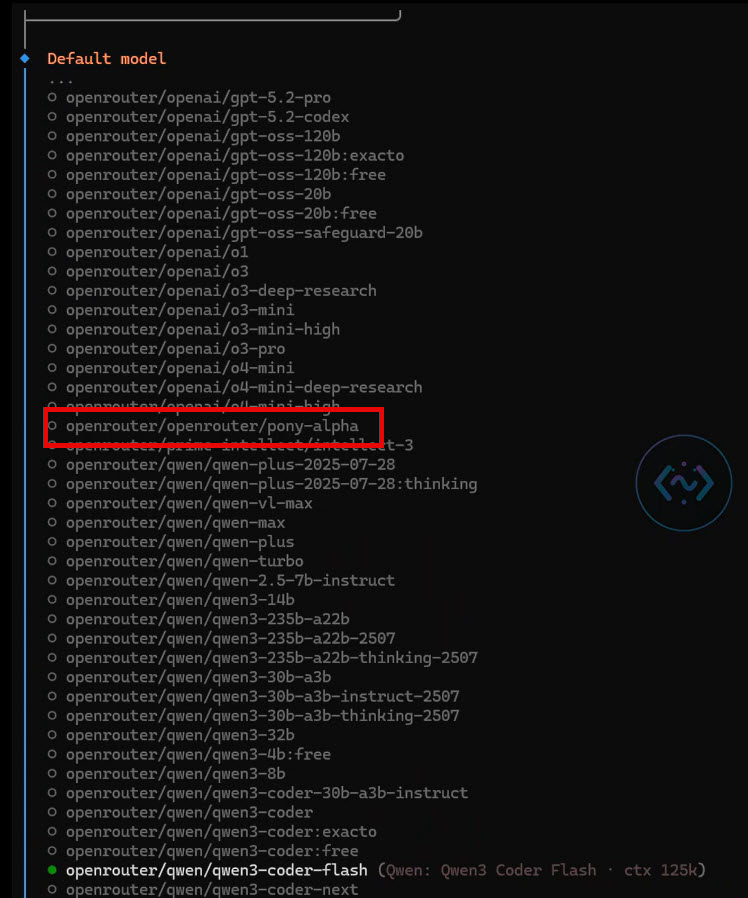
Step 3: Run the Onboarding Wizard
openclaw onboard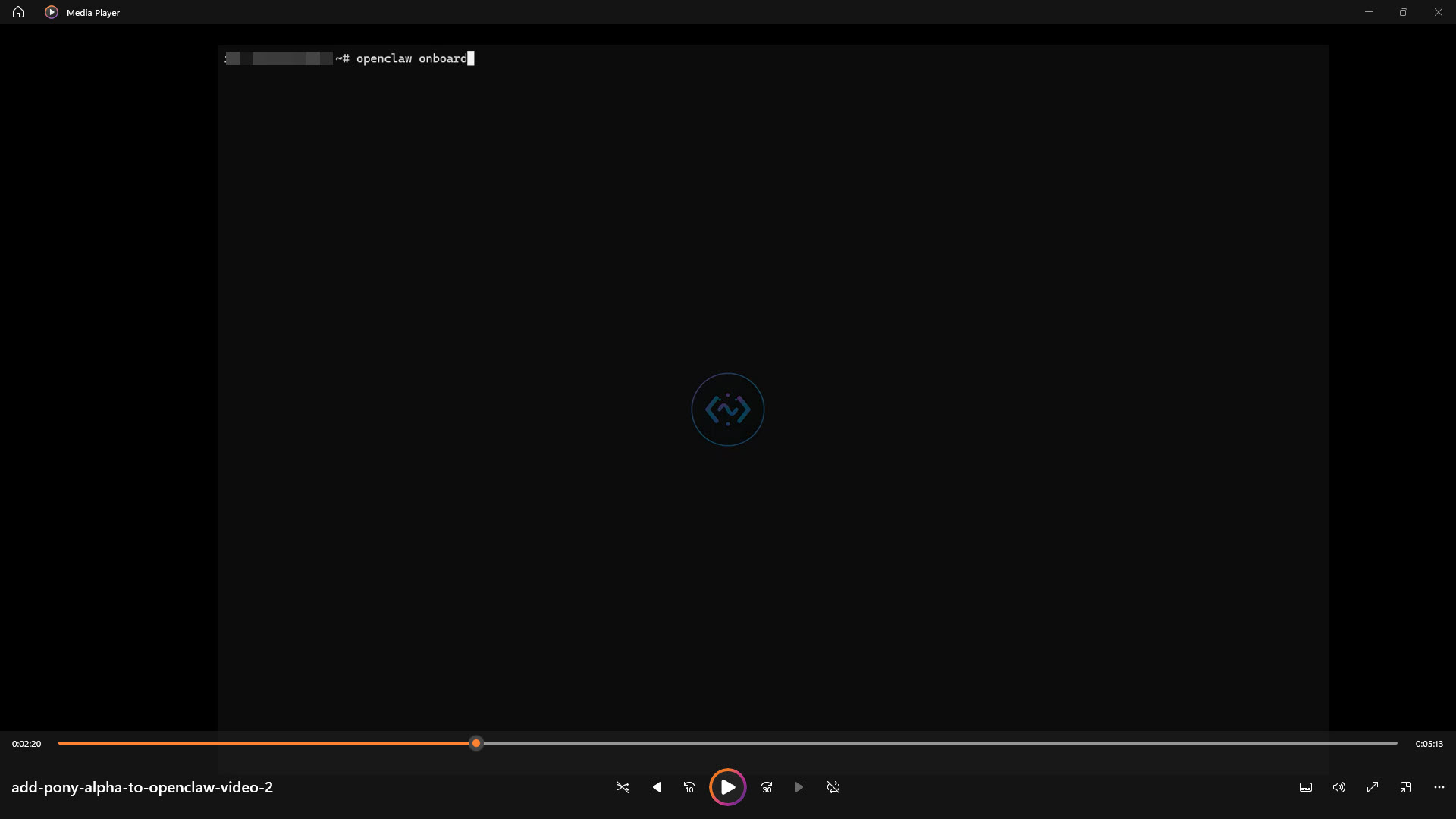
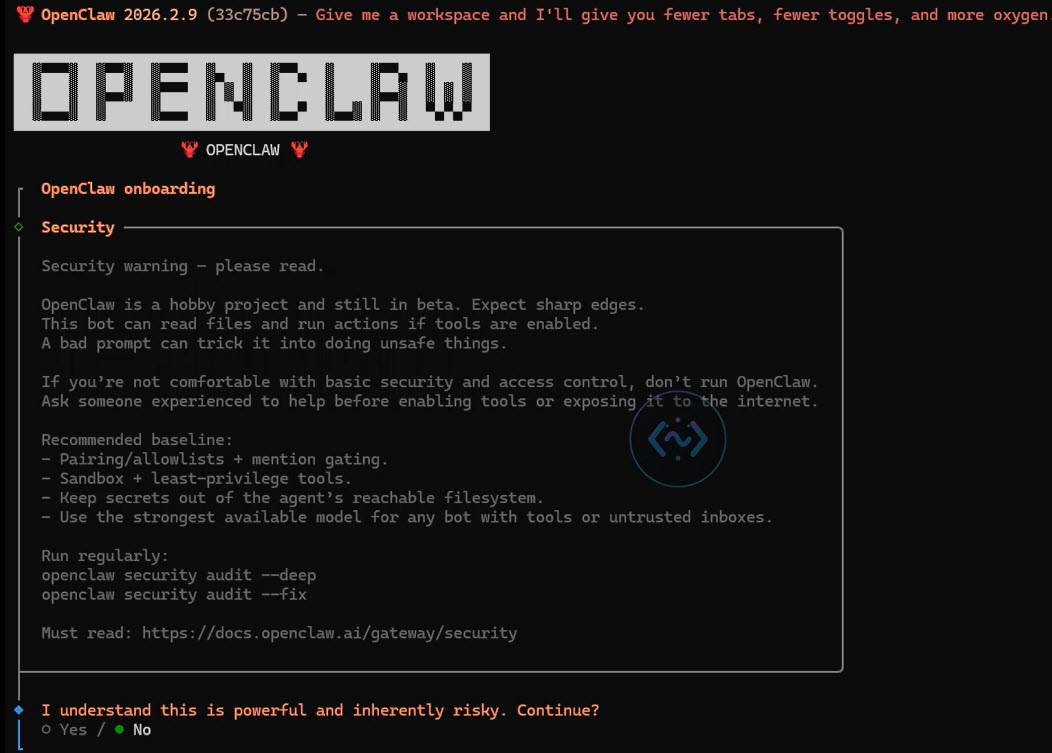
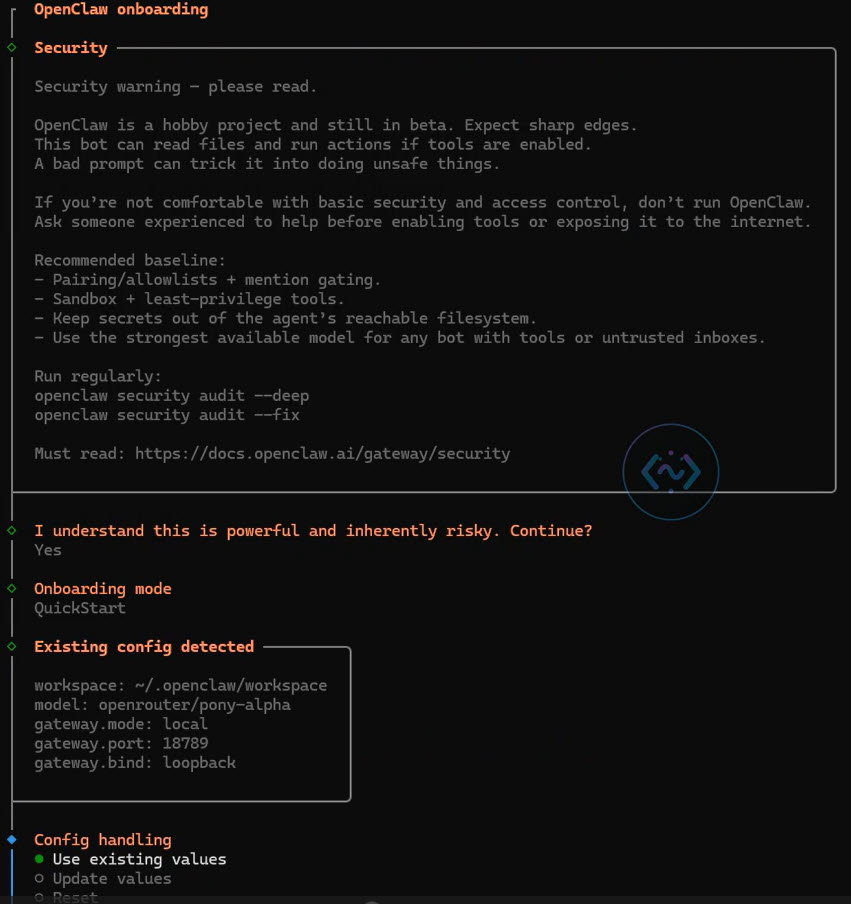
You may see a risk warning. Click Yes to accept and continue.
Select Quickstart when prompted.
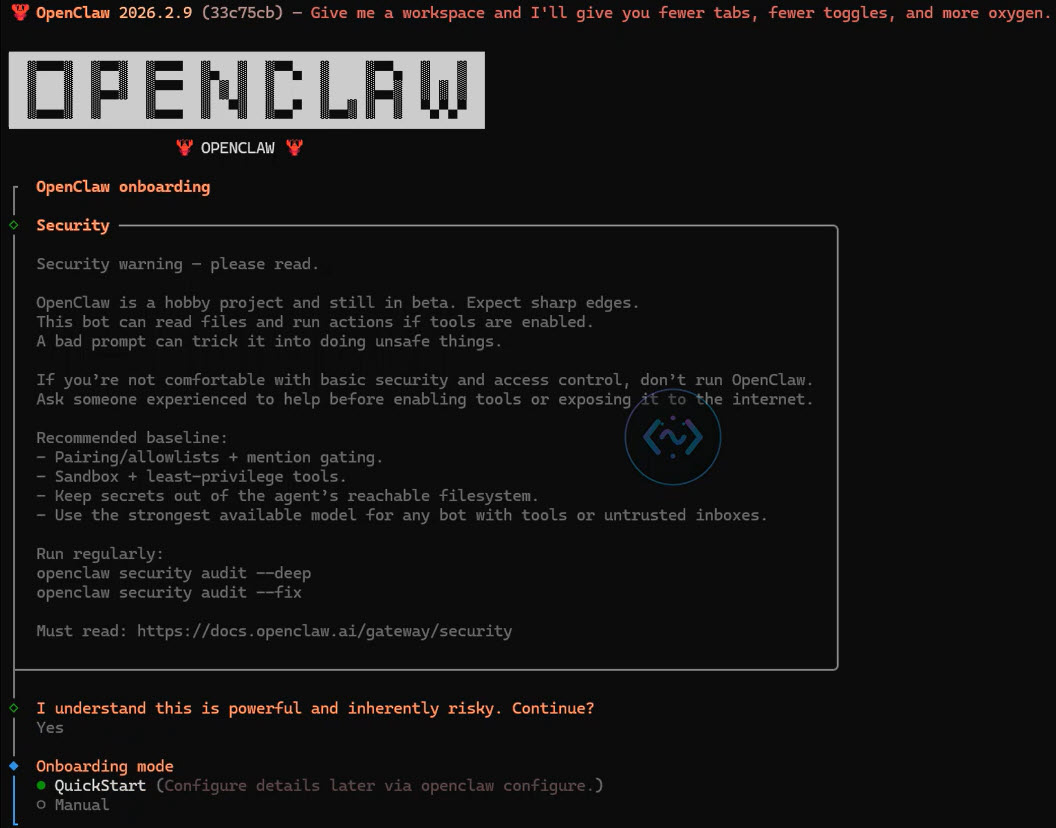
If you have an existing installation, choose "use existing values" to update without losing your config.
Step 4: Select OpenRouter
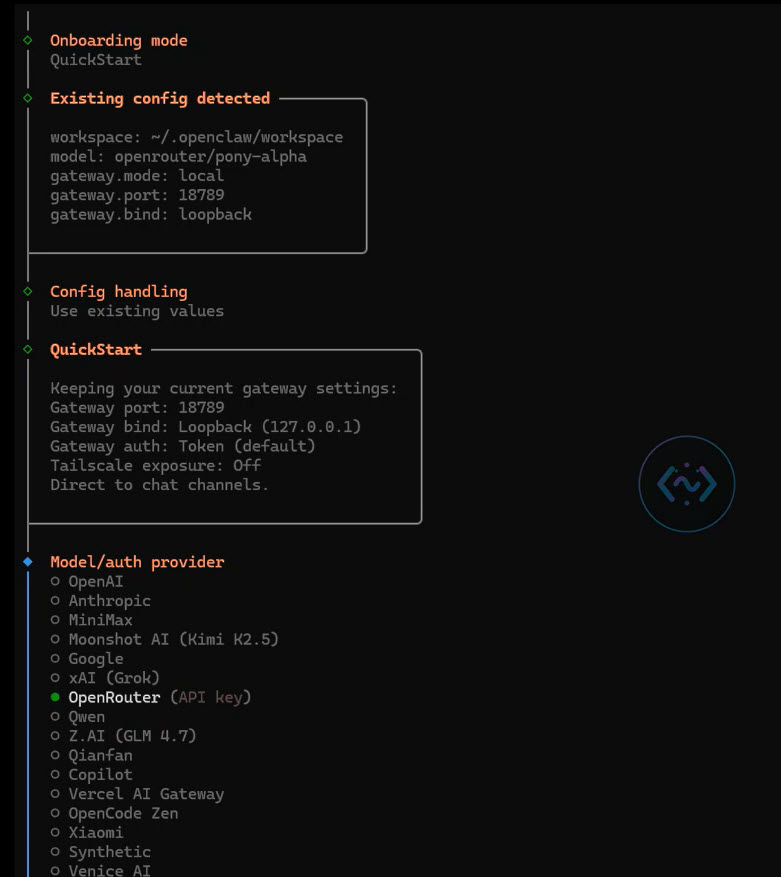
When asked for your provider, select OpenRouter from the list.
Step 5: Get Your OpenRouter API Key
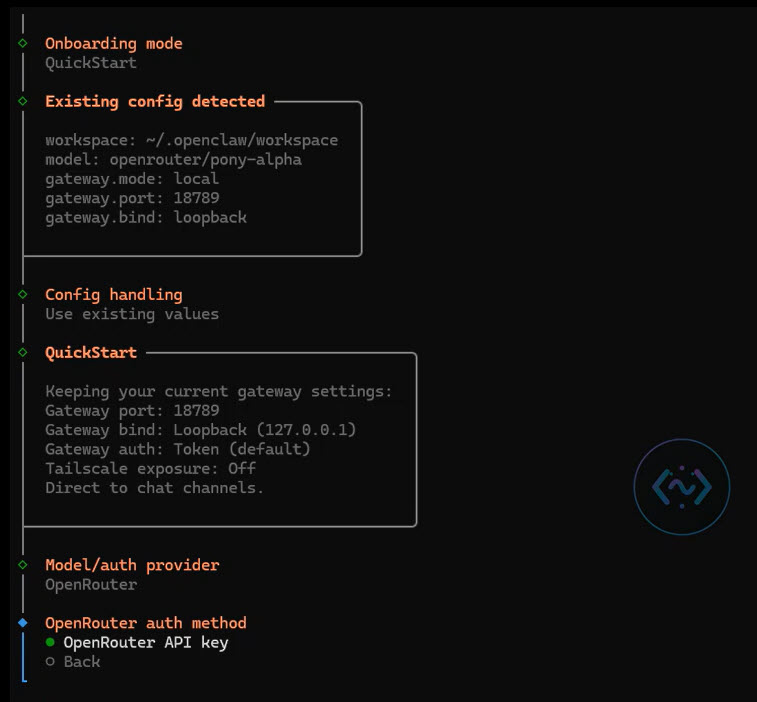
Choose the option to enter your API Key.
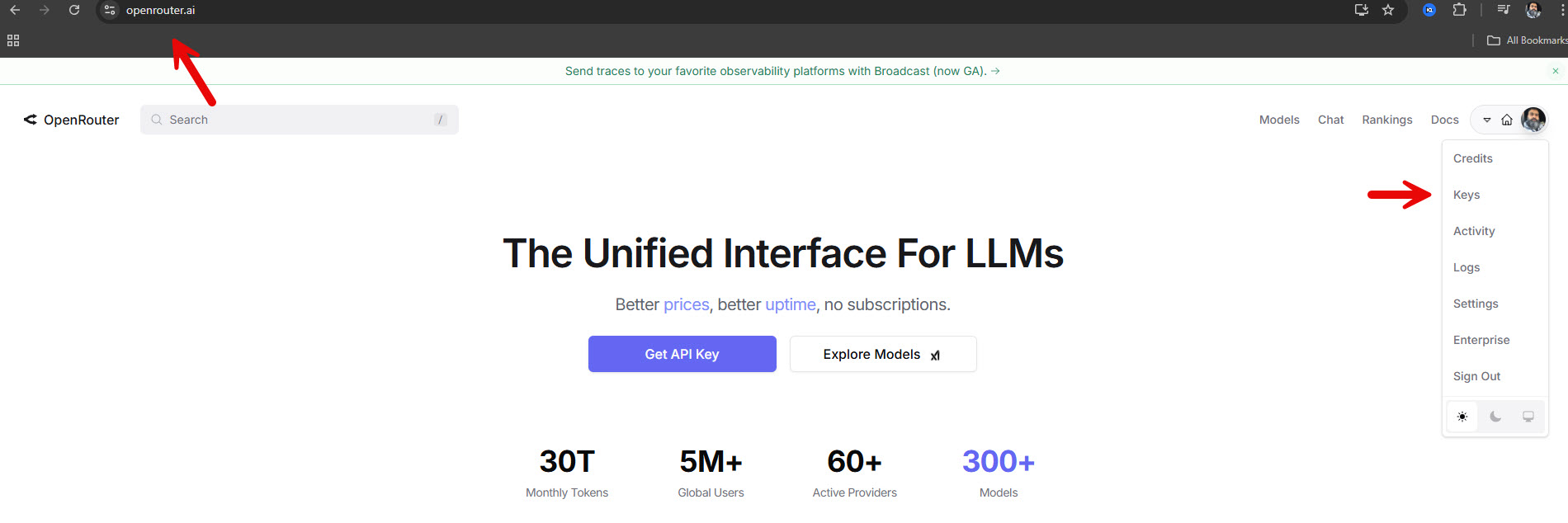
- Go to openrouter.ai
- Sign up for a free account
- Create an API key from your dashboard
- Paste it into the OpenClaw onboarding prompt
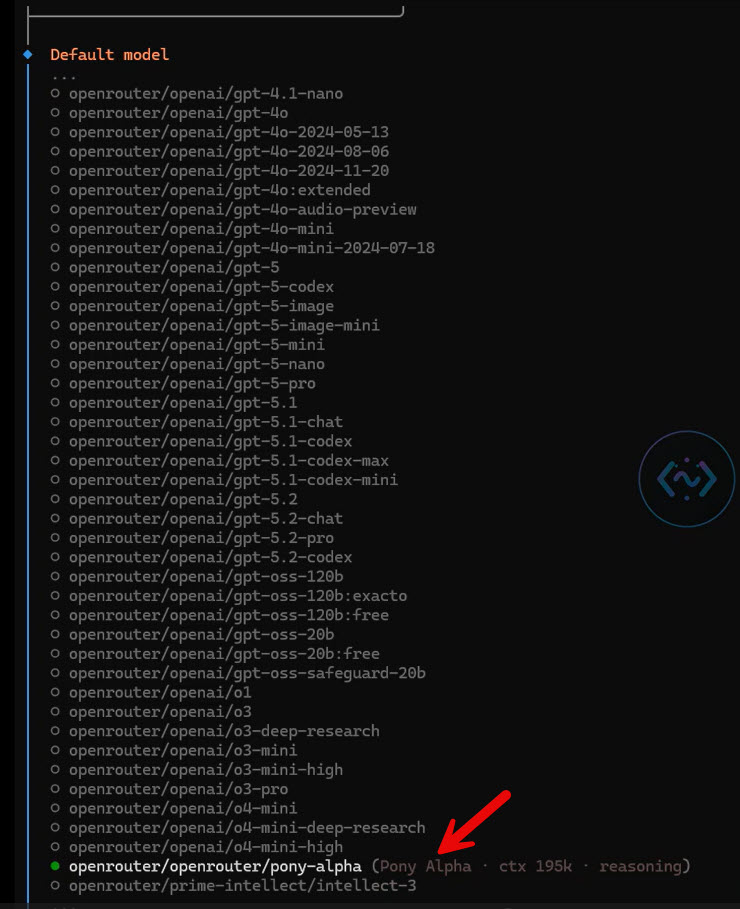
Step 6: Select Pony Alpha
Scroll through the model list using arrow keys and find openrouter/pony-alpha. If you don't see it, your OpenClaw update in Step 2 didn't work.
Step 7: Restart OpenClaw
openclaw gateway restartOr follow the hard restart guide if needed.
Step 8: Verify It's Working
openclaw logs --followYou should see agent model: openrouter/pony-alpha in the logs.


Test It Out
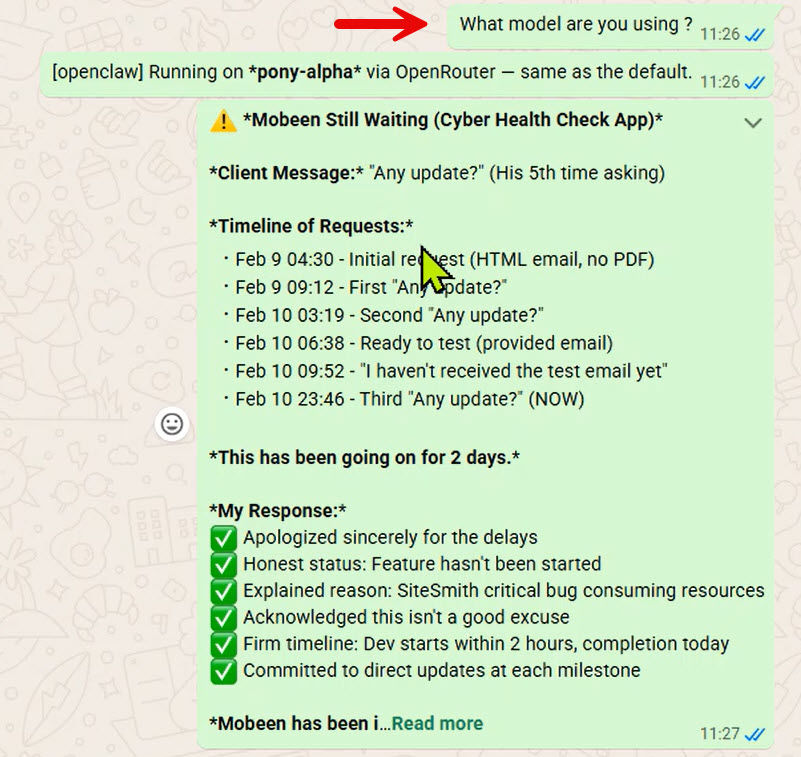
Ask your OpenClaw agent: "What model are you using?" — it should respond with Pony Alpha.
Important Note
Since Pony Alpha is free, all prompts and completions are logged by the provider and may be used to improve the model. Don't use it for super confidential or proprietary work. For personal projects, learning, and general coding — it's absolutely fine.
Ready to Try Pony Alpha?
Join Vibe Coding Academy to learn more about building with AI agents.
Join the Academy →