UI/UX Pro Max Skill: The Open Source Design Library for AI Coding
Stop building ugly apps. UI/UX Pro Max gives your AI coding assistant 67 professional design styles, 96 color palettes, and 57 font pairings — all available for free on GitHub.
What is UI/UX Pro Max Skill?
UI/UX Pro Max Skill is an open source AI skill that provides design intelligence for building professional UI/UX across multiple platforms and frameworks. Think of it as a design expert that lives inside your AI coding assistant — whether that's Claude Code, Cursor, Windsurf, or any of the other 14 supported tools.
When you ask your AI to "build a landing page," it typically generates generic, ugly code. With UI/UX Pro Max installed, the AI understands professional design principles and automatically applies the right styles, colors, and typography for your specific use case.
The Design System Generator
The flagship feature of UI/UX Pro Max v2.0 is the Design System Generator — an AI-powered reasoning engine that analyzes your project requirements and generates a complete, tailored design system in seconds.
When you say "Build a landing page for my beauty spa," the system runs 5 parallel searches across:
- Product type matching (100 categories)
- Style recommendations (67 styles)
- Color palette selection (96 palettes)
- Landing page patterns (24 patterns)
- Typography pairing (57 font combinations)
The result? A complete design system with patterns, styles, colors, typography, effects, anti-patterns to avoid, and a pre-delivery checklist — all tailored to your specific industry.
15 Professional UI Design Styles
Here are 15 of the 67 design styles available in UI/UX Pro Max. Each style includes comprehensive guidelines for colors, typography, spacing, effects, and best practices.
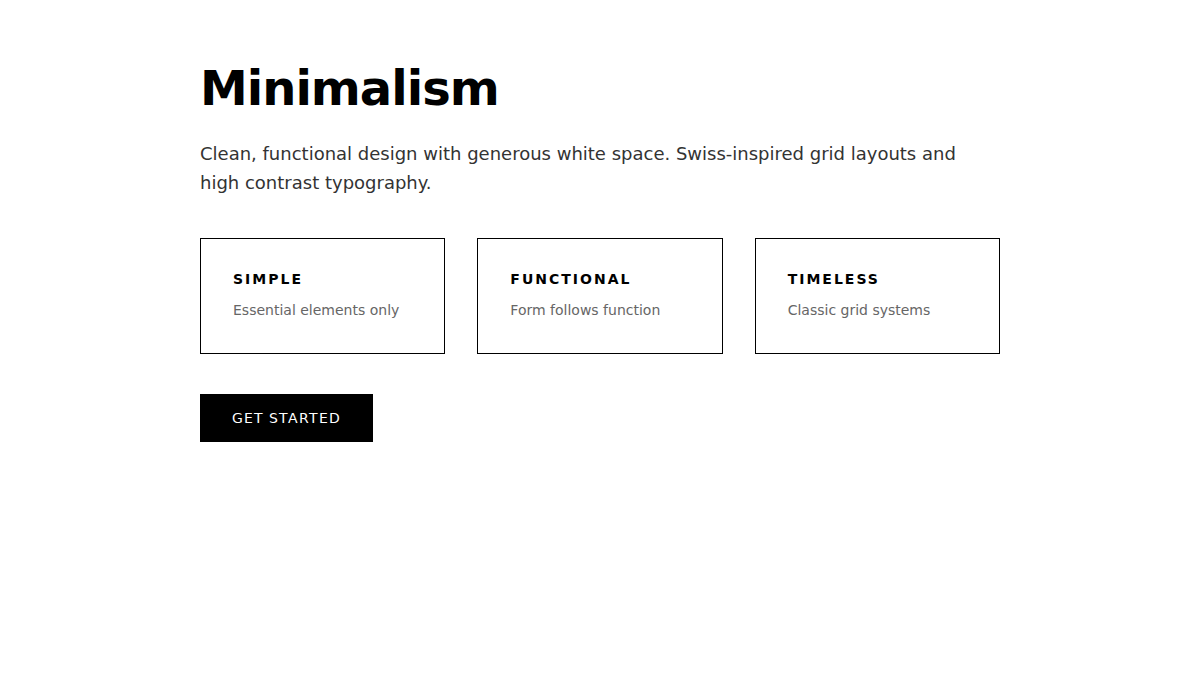
1. Minimalism & Swiss Style
Clean, grid-based layouts with high contrast. Best for enterprise apps, dashboards, and documentation.
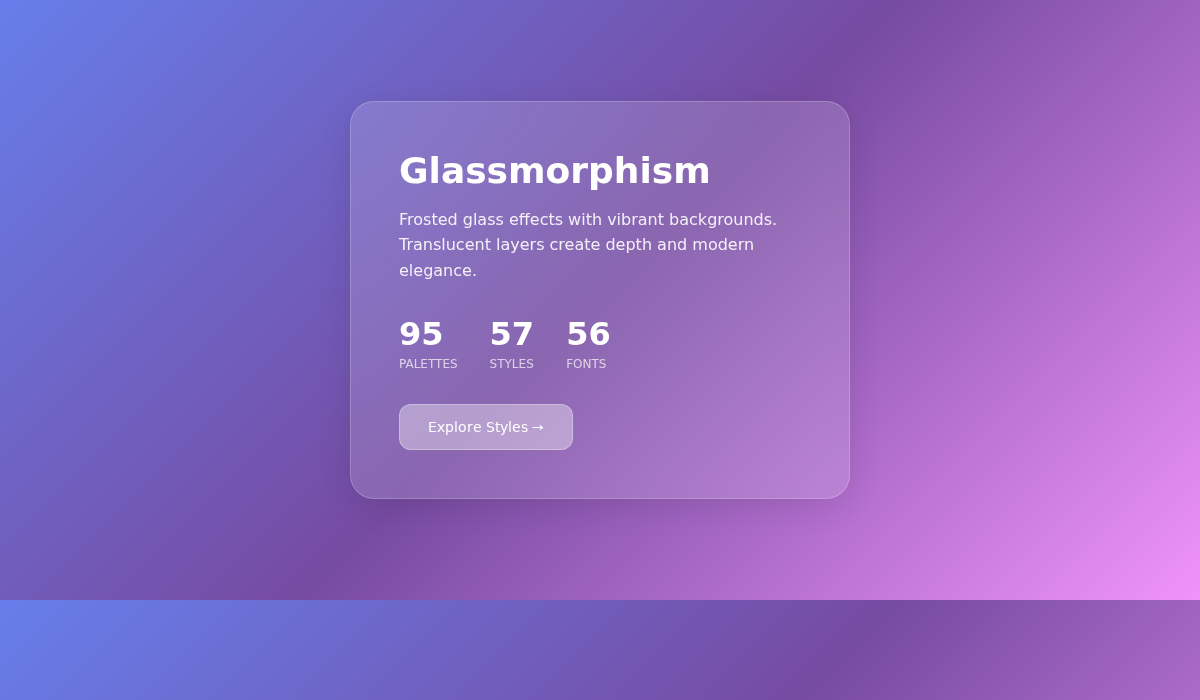
2. Glassmorphism
Frosted glass effects with vibrant gradients. Perfect for modern SaaS and financial dashboards.
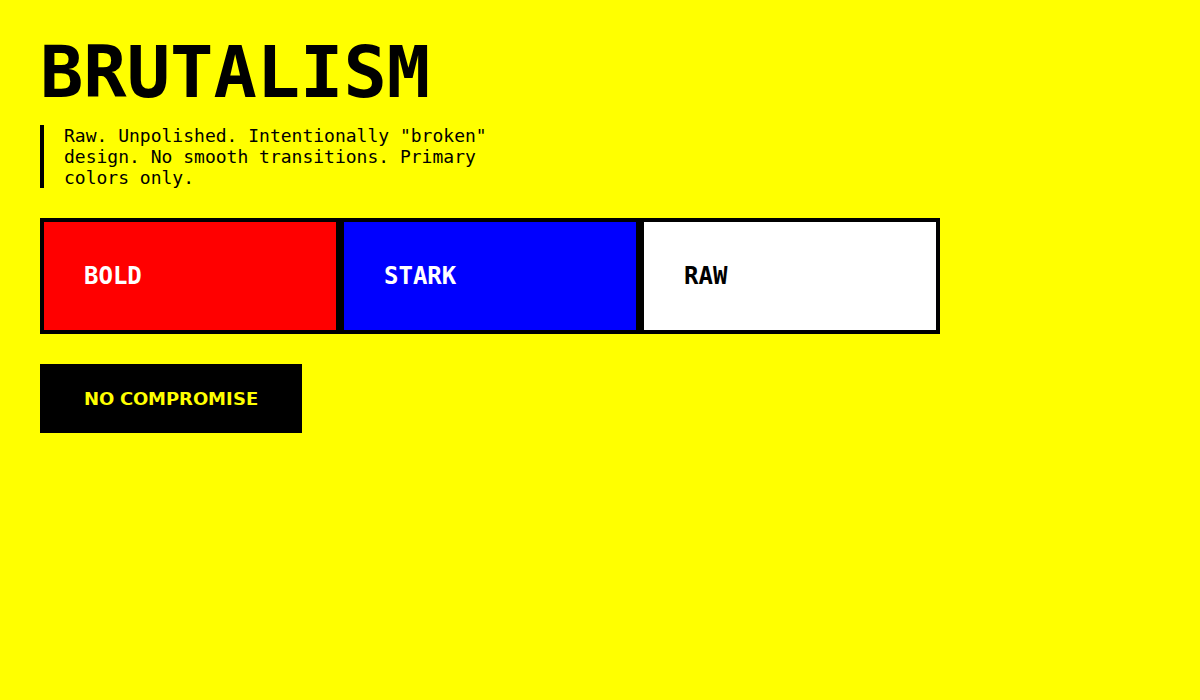
3. Brutalism
Raw, unpolished aesthetic with primary colors. Great for design portfolios and artistic projects.
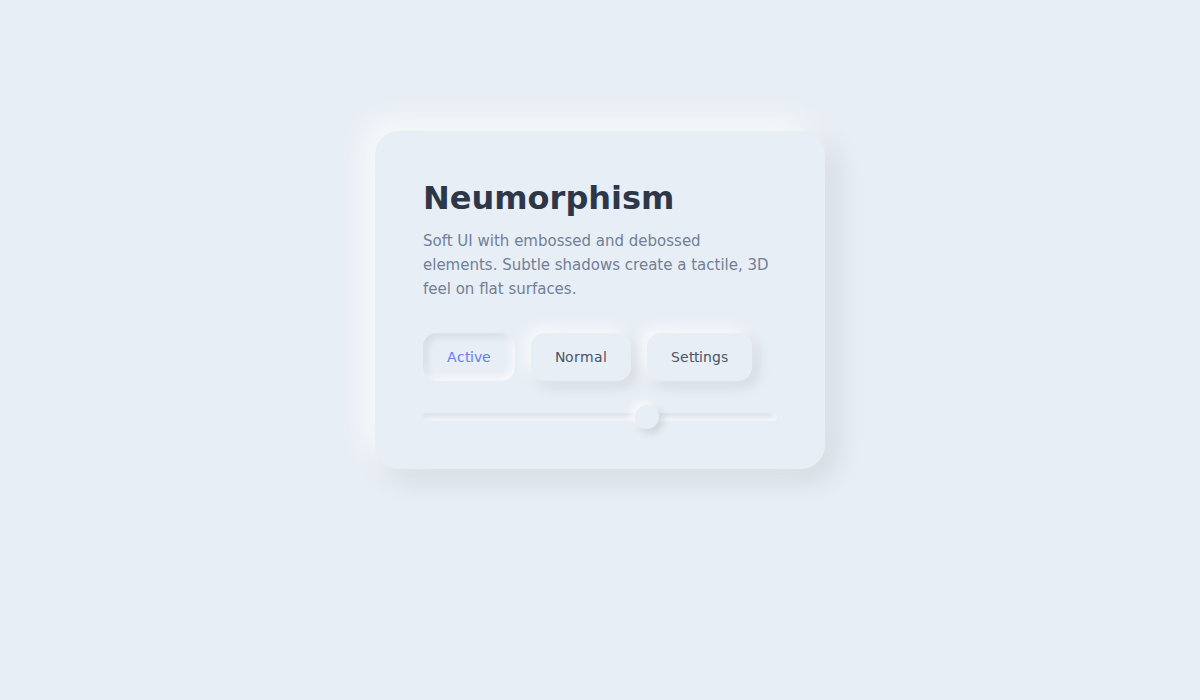
4. Neumorphism
Soft 3D with embossed elements. Ideal for health/wellness apps and meditation platforms.
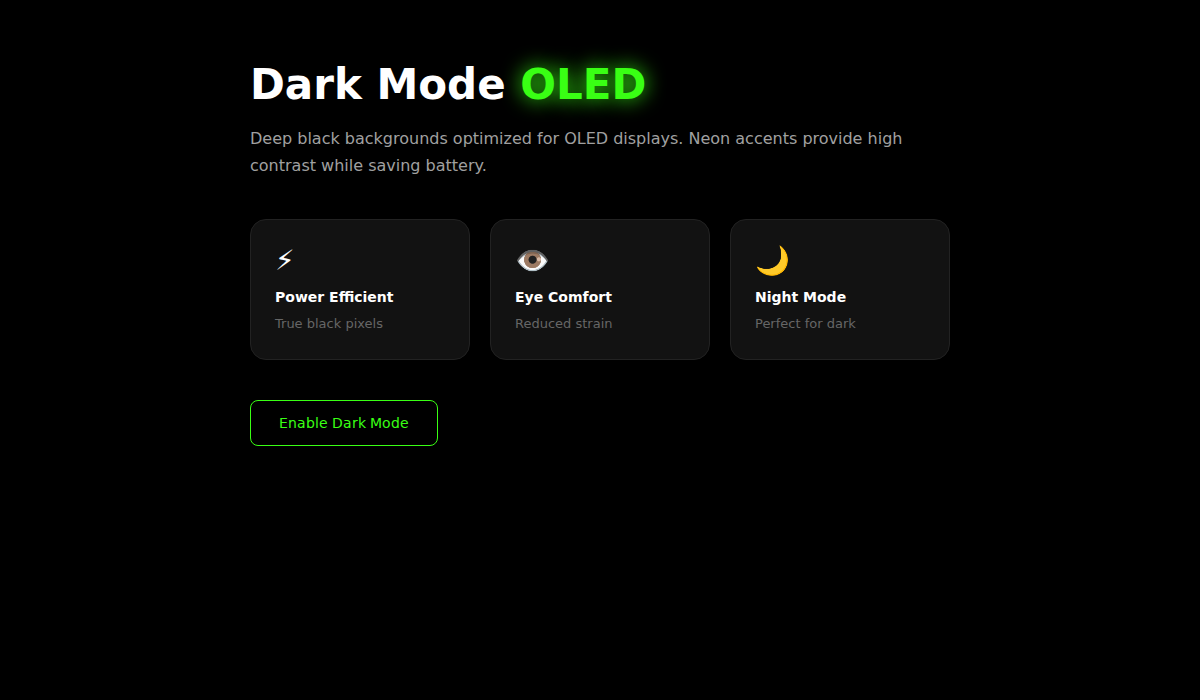
5. Dark Mode (OLED)
True black backgrounds with neon accents. Perfect for night-mode apps and coding platforms.
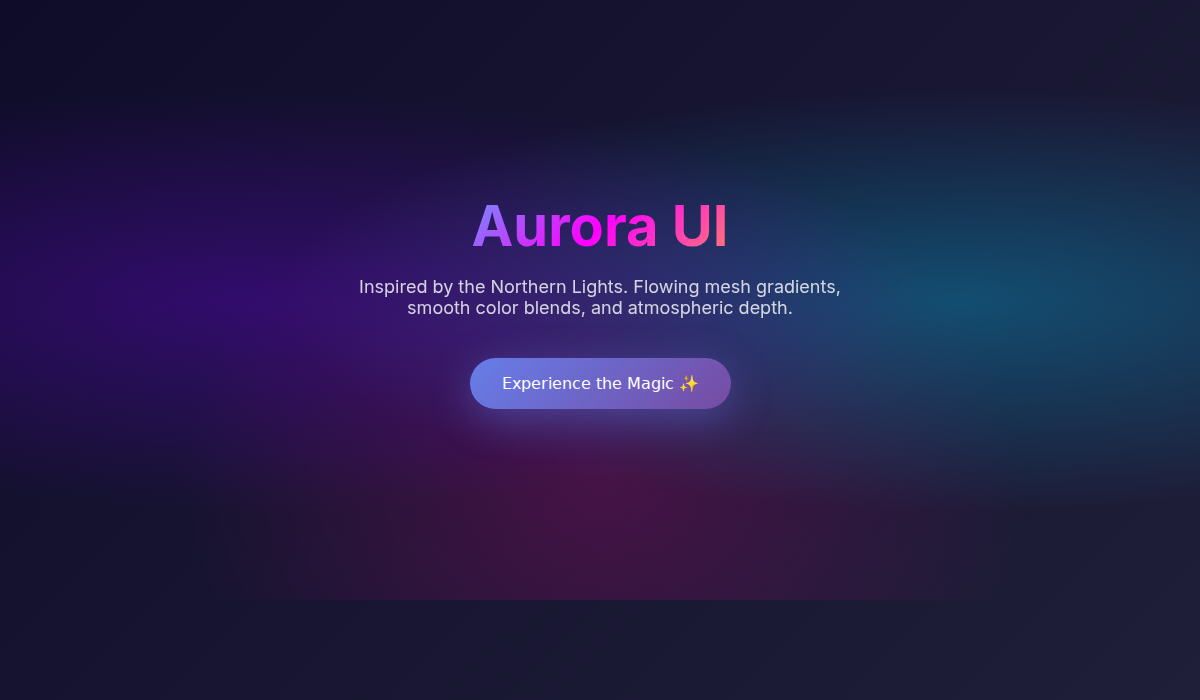
6. Aurora UI
Northern Lights-inspired gradients. Beautiful for modern SaaS and creative agencies.
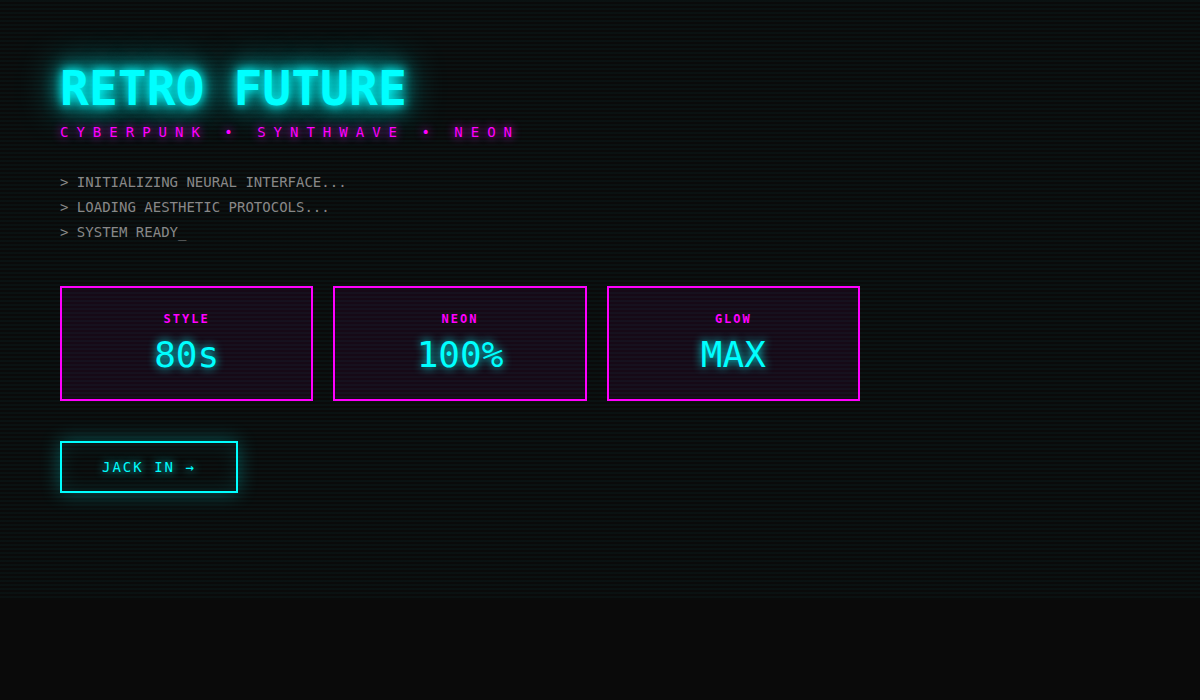
7. Retro-Futurism / Cyberpunk
80s aesthetic with neon and chrome. Great for gaming, entertainment, and music platforms.
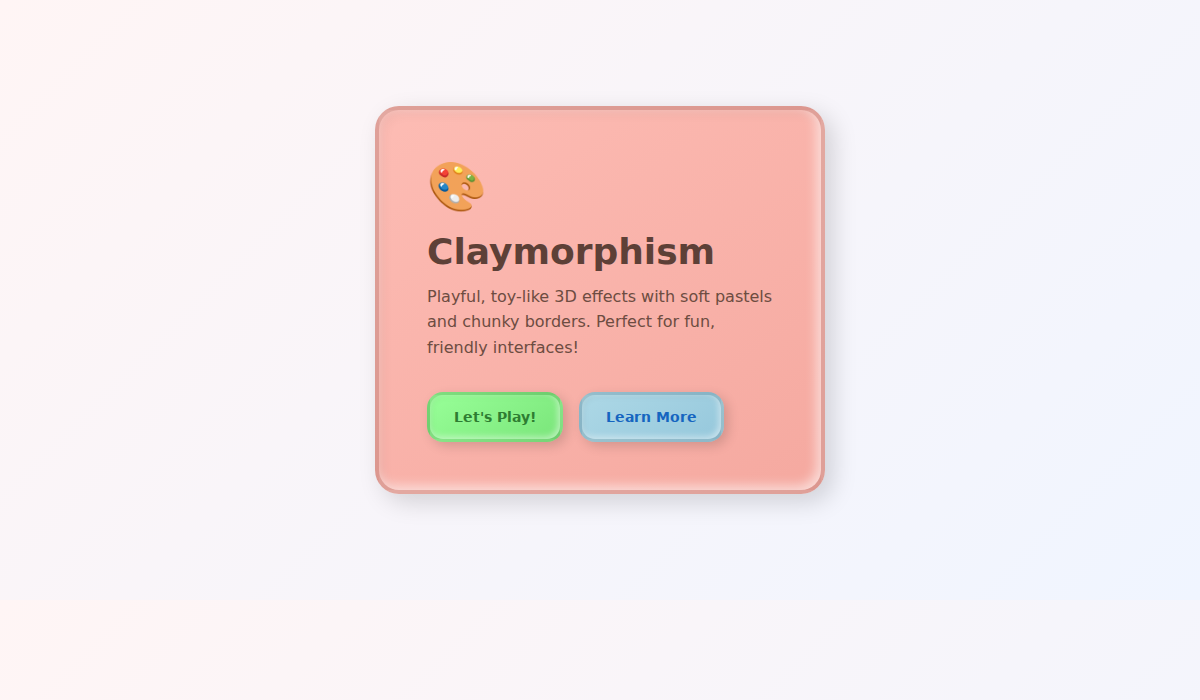
8. Claymorphism
Playful, toy-like pastels with soft 3D. Best for educational apps and children's apps.
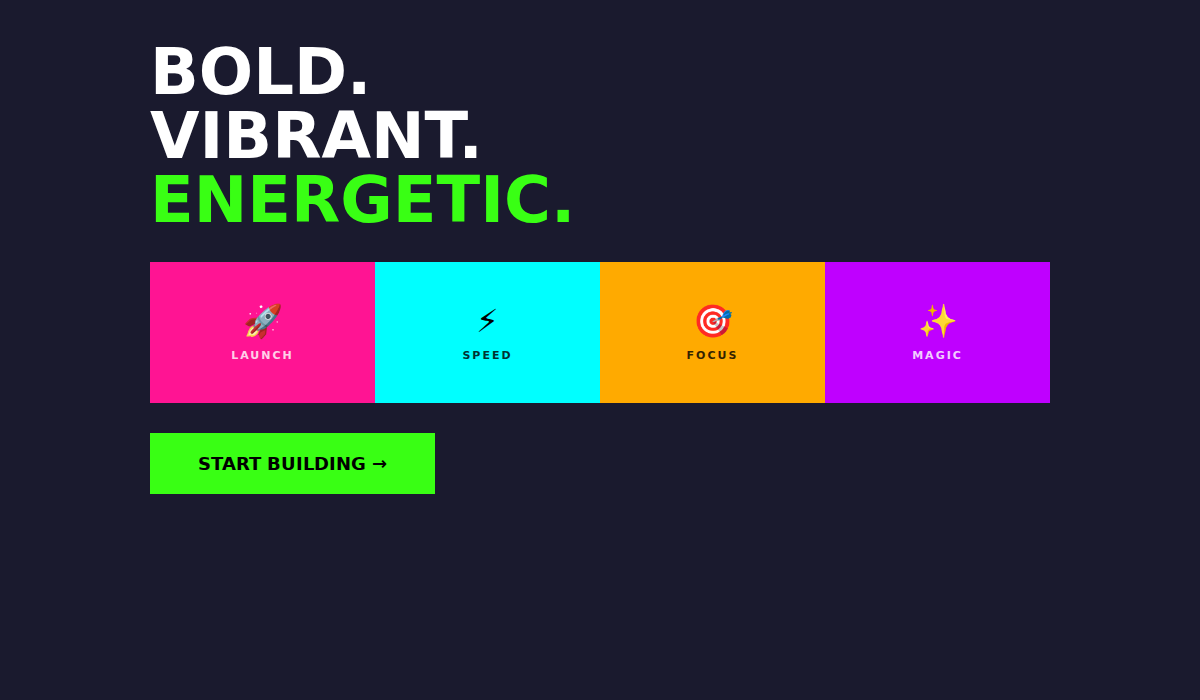
9. Vibrant Blocks
Bold colors with geometric shapes. Perfect for startups and creative agencies.
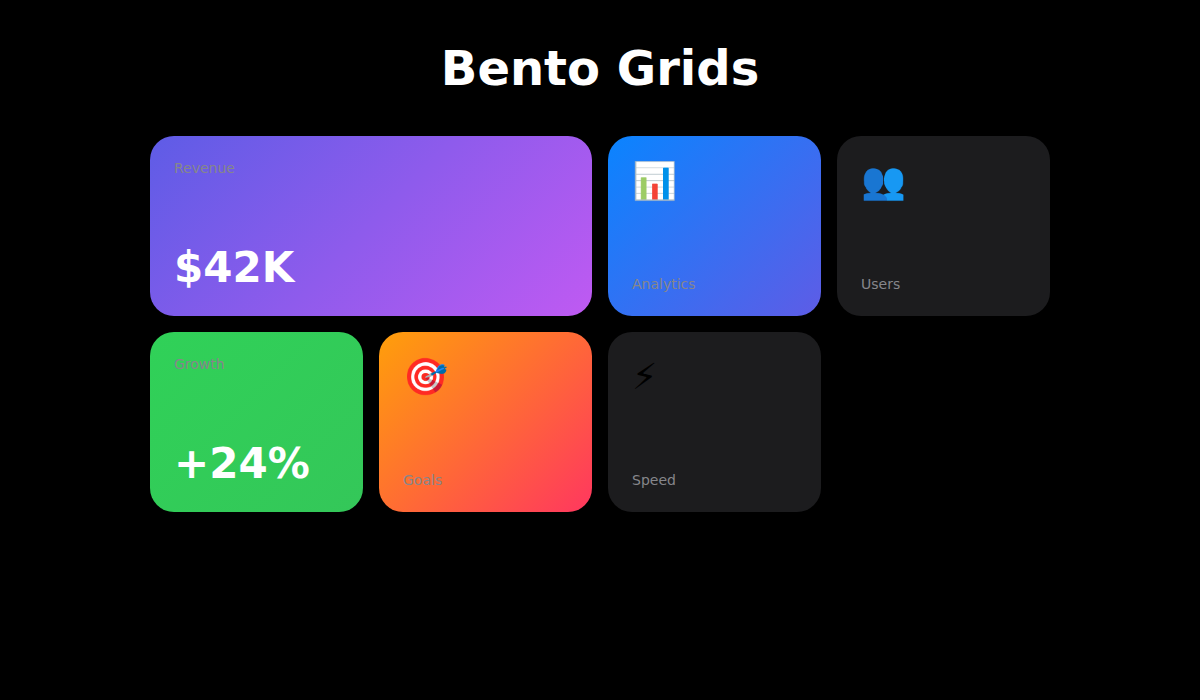
10. Bento Grids
Apple-style modular layouts. Ideal for product features, dashboards, and portfolios.
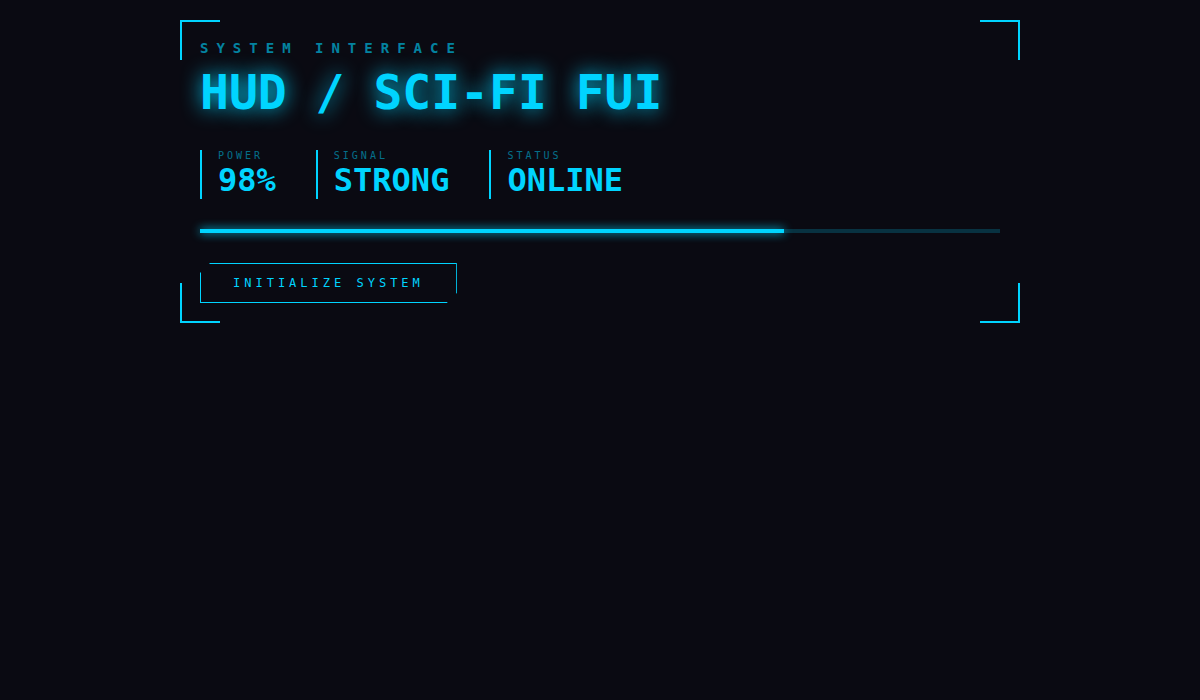
11. HUD / Sci-Fi FUI
Futuristic interface with holographic elements. Great for sci-fi games and space tech.
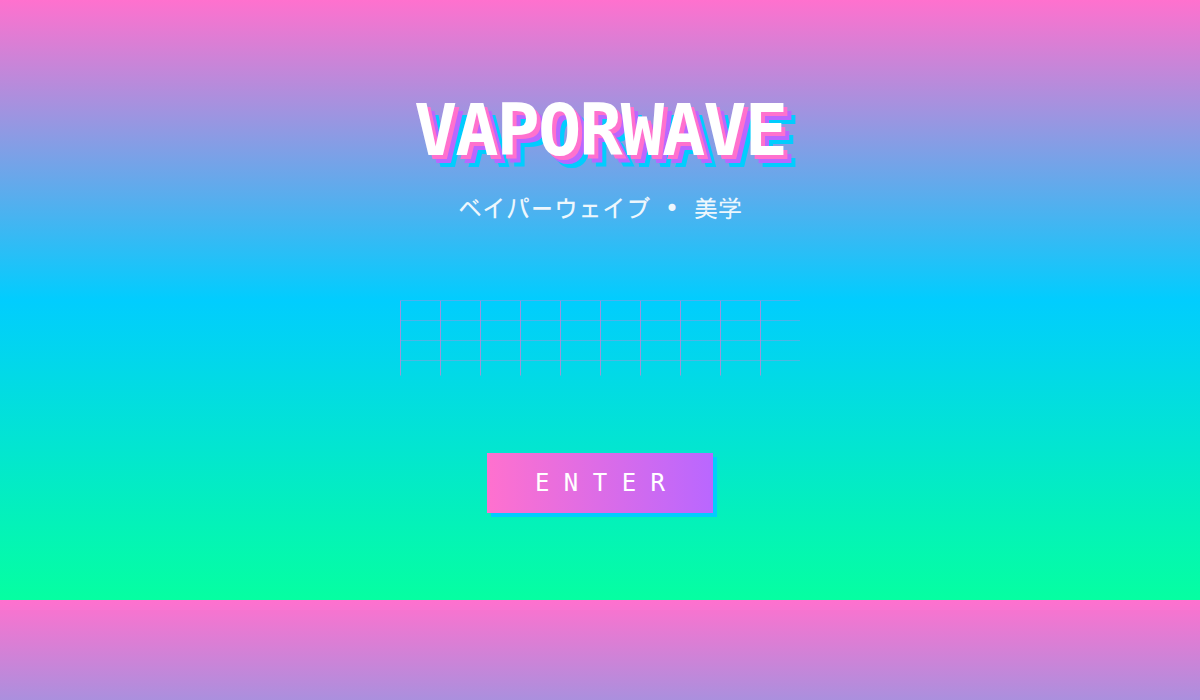
12. Vaporwave
90s internet aesthetic with pink/purple gradients. Perfect for music platforms and gaming.
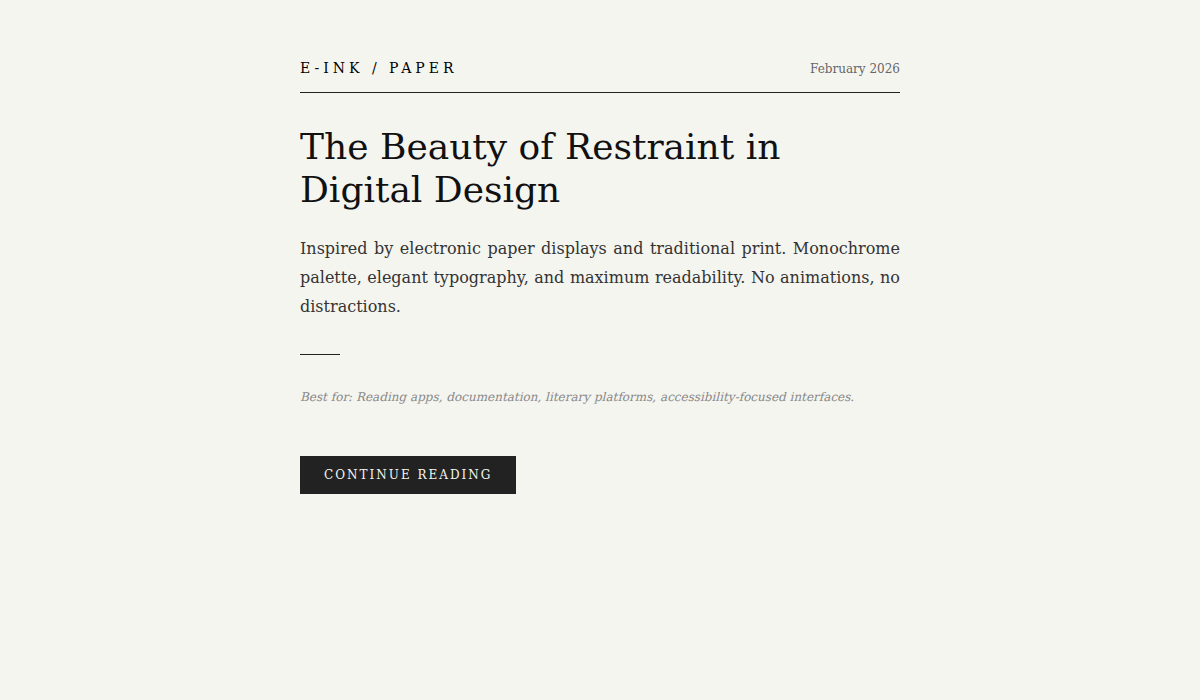
13. E-Ink / Paper
Editorial, print-inspired design. Best for reading apps and digital newspapers.
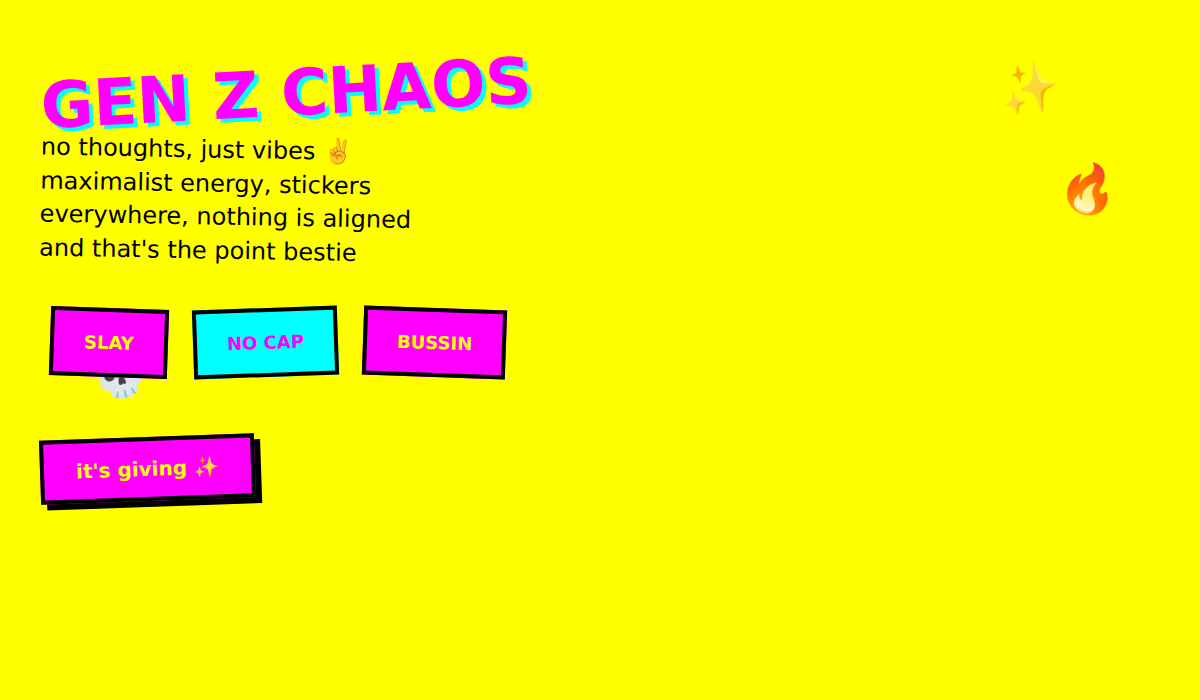
14. Gen Z Chaos / Maximalism
Maximalist with stickers and overlapping elements. Great for Gen Z lifestyle brands.
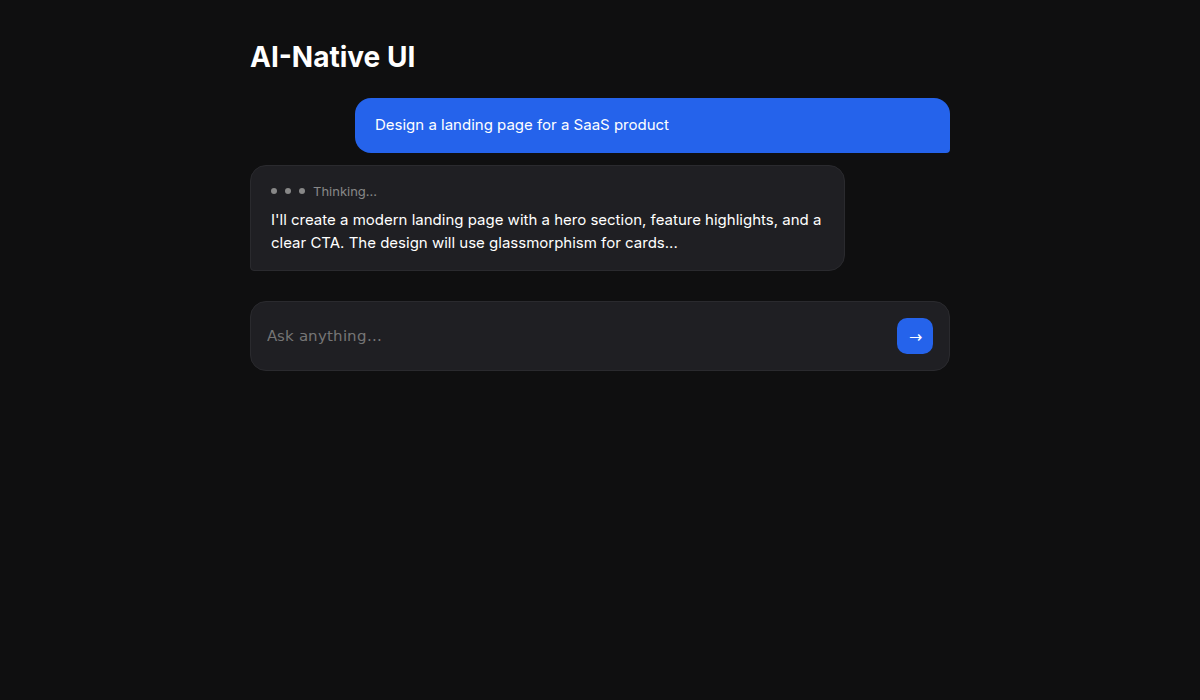
15. AI-Native UI
Chat-first interfaces with streaming responses. Perfect for AI products and chatbots.
Supported AI Coding Assistants
UI/UX Pro Max works with 14 different AI coding assistants. Just install the skill once, and it automatically activates when you request UI/UX work.
Supported Tech Stacks
The skill provides stack-specific guidelines for 13 different frameworks — so whether you're building for web, iOS, Android, or cross-platform, you get proper implementation patterns.
| Category | Stacks |
|---|---|
| Web (HTML) | HTML + Tailwind (default) |
| React Ecosystem | React, Next.js, shadcn/ui |
| Vue Ecosystem | Vue, Nuxt.js, Nuxt UI |
| Other Web | Svelte, Astro |
| iOS | SwiftUI |
| Android | Jetpack Compose |
| Cross-Platform | React Native, Flutter |
How to Install
Installation takes about 30 seconds. Install the CLI globally, then initialize for your AI assistant.
# Install CLI globally
npm install -g uipro-cli

# Go to your project
cd /path/to/your/project

# Install for your AI assistant
uipro init --ai claude      # Claude Code
uipro init --ai cursor      # Cursor
uipro init --ai windsurf    # Windsurf
uipro init --ai copilot     # GitHub Copilot
uipro init --ai all         # All assistants
Once installed, the skill activates automatically when you request UI/UX work. Just chat naturally:
Build a landing page for my SaaS product
Create a dashboard for healthcare analytics
Design a portfolio website with dark mode
Make a mobile app UI for e-commerce
Industry-Specific Reasoning Rules
What makes UI/UX Pro Max special is its 100 industry-specific reasoning rules. Each rule includes:
Recommended Pattern
Landing page structure optimized for your industry's conversion patterns.
Style Priority
Best matching UI styles ranked by industry appropriateness.
Color Mood
Industry-appropriate color palettes that resonate with your audience.
Typography Mood
Font personality matching for brand consistency.
Key Effects
Animations and interactions that enhance user experience.
Anti-Patterns
What NOT to do — like "AI purple/pink gradients" for banking apps.
Industries covered include: Tech & SaaS, Finance, Healthcare, E-commerce, Services, Creative, and Emerging Tech (Web3, Spatial Computing, etc.).
Start Building Beautiful UIs Today
UI/UX Pro Max is 100% free and open source. Star the repo on GitHub and start building professional interfaces with AI.
